Throttling is the process to control the rate at which data is received. In a Swing application, high frequency rates of data updates may cause painting events to be fired one after another, which may freeze the UI . We just need to avoid blocking the EDT (event dispatch thread) for a long time. In this example we will create a general purpose class to provide throttling. We will then apply throttling to JTable data updates.
Example
public class Throttler {
    private Timer timer;

    public Throttler(int rate, Runnable updater) {
        timer = new Timer(rate, new ActionListener() {
            @Override
            public void actionPerformed(ActionEvent e) {
                //this is already in EDT
                timer.stop();
                updater.run();
            }
        });
    }

    public void updateReceived() {
        //timer must be accessed by EDT  because actionPerformed is also invoked in EDT
        //otherwise we have to synchronized it. Not doing so might miss the events
        if (!SwingUtilities.isEventDispatchThread()) {
            throw new IllegalArgumentException("updateReceived() must be called in EDT");
        }

        if (!timer.isRunning()) {
            timer.restart();
        }
    }
}
Implementing Throttling to JTable
High frequency Data Service
public enum TestDataService {
    Instance;
    private String[] currencyPairs = {"EUR/USD", "USD/JPY", "GBP/USD",
            "USD/CHF", "USD/CAD", "AUD/USD", "NZD/USD", "EUR/GBP",
            "EUR/AUD", "GBP/JPY", "CHF/JPY", "NZD/JPY", "GBP/CAD"};


    public void listenToDataUpdate(BiConsumer<String, BigDecimal> forexListener) {
        ExecutorService es = Executors.newSingleThreadExecutor();
        es.execute(new Runnable() {
            @Override
            public void run() {
                while (true) {
                    int i = ThreadLocalRandom.current().nextInt(0, currencyPairs.length);
                    BigDecimal rate = BigDecimal.valueOf(Math.random() * 10);
                    rate = rate.setScale(2, RoundingMode.CEILING);
                    forexListener.accept(currencyPairs[i], rate);
                    try {
                        Thread.sleep(10);
                    } catch (InterruptedException e) {
                        e.printStackTrace();
                    }
                }
            }
        });
    }
}
Table Model
public class ForexTableModel extends AbstractTableModel {
    private Map<String, BigDecimal> forexRates = new TreeMap<>();
    private String[] columnNames = {"Currency Pair", "Rate"};

    public void updateRateWithoutFiringEvent(String currency, BigDecimal rate) {
        forexRates.put(currency, rate);
    }

    @Override
    public String getColumnName(int column) {
        return columnNames[column];
    }

    @Override
    public int getRowCount() {
        return forexRates.size();
    }

    @Override
    public int getColumnCount() {
        return columnNames.length;
    }

    @Override
    public Object getValueAt(int rowIndex, int columnIndex) {
       if (columnIndex == 0) {
            String currency = getCurrencyByRow(rowIndex);
            return currency;
        } else if (columnIndex == 1) {
            String currency = getCurrencyByRow(rowIndex);
            return forexRates.get(currency);
        }
        return null;
    }

    private String getCurrencyByRow(int rowIndex) {
        return forexRates.keySet()
                         .toArray(new String[forexRates.size()])[rowIndex];
    }
}
The main class
With throttling:
public class ThrottlingExampleMain {
    public static void main(String[] args) {
        ForexTableModel tableModel = new ForexTableModel();
        JTable table = new JTable(tableModel);
        listenToForexChanges(tableModel);
        JFrame frame = createFrame();
        frame.add(new JScrollPane(table));
        frame.setLocationRelativeTo(null);
        frame.setVisible(true);
    }

    private static void listenToForexChanges(ForexTableModel tableModel) {
        Throttler throttler = new Throttler(1000, new Runnable() {
            @Override
            public void run() {
                //it is in EDT
                tableModel.fireTableDataChanged();
            }
        });

        TestDataService.Instance.listenToDataUpdate(
                (pair, rate) -> SwingUtilities.invokeLater(() -> {
                    //table model must be accessed in EDT for thread safety
                    tableModel.updateRateWithoutFiringEvent(pair, rate);
                    throttler.updateReceived();
                }));
    }

    private static JFrame createFrame() {
        JFrame frame = new JFrame("Throttling Example");
        frame.setDefaultCloseOperation(JFrame.EXIT_ON_CLOSE);
        frame.setSize(new Dimension(500, 300));
        return frame;
    }
}
Without throttling:
public class WithoutThrottlingExample {
    public static void main(String[] args) {
        ForexTableModel tableModel = new ForexTableModel();
        JTable table = new JTable(tableModel);
        listenToForexChanges(tableModel);
        JFrame frame = createFrame();
        frame.add(new JScrollPane(table));
        frame.setLocationRelativeTo(null);
        frame.setVisible(true);
    }

    private static void listenToForexChanges(ForexTableModel tableModel) {
        TestDataService.Instance.listenToDataUpdate((pair, rate) -> {
            tableModel.updateRateWithoutFiringEvent(pair, rate);
            tableModel.fireTableDataChanged();
        });
    }

    private static JFrame createFrame() {
        JFrame frame = new JFrame("Without Throttling Example");
        frame.setDefaultCloseOperation(JFrame.EXIT_ON_CLOSE);
        frame.setSize(new Dimension(500, 300));
        return frame;
    }
}
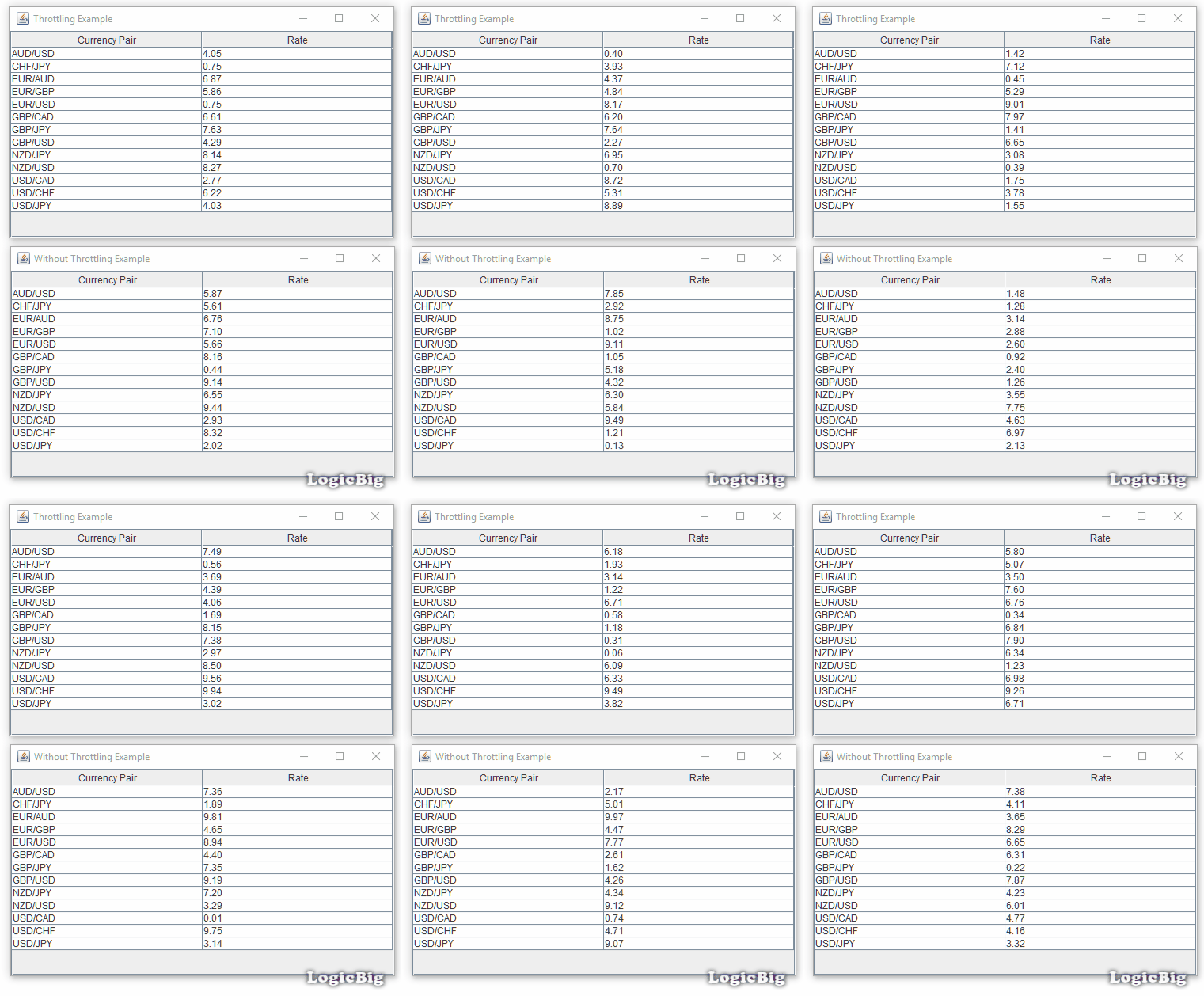
For a large number of rows, the screen will freeze without throttling.
Note that instead of using a class like Throttler, we can use a timer directly but the disadvantage of that approach will be that the timer will always be running even there's no updates.
Example ProjectDependencies and Technologies Used:
|